





 Google Workspace Overview
 Gmail
Gmail
 Google Calendar
 Google Drive
 Google Editors
 Google Docs
 Google Sheets
 Google Slides
 Google Forms
 Google Sites
 Google Keep
 Google Vids
 Google Chat
 Google Admin
 Endpoint Management
 Remote Desktop
 Looker Studio
 Apps Script
 Workspace Studio
 Vault
Vault AppSheet
 Gemini
 Gemini Notebook
 Pricing
 Google Cloud Overview
 Cloud Run
 Compute Engine
 Cloud Storage
 BigQuery
 Google Kubernetes Engine
 Looker
 Apigee API Management
 Cloud SQL
 Gemini Enterprise
 Cloud CDN
 Microsoft
365 Overview
Microsoft
365 Overview Microsoft Outlook
 Microsoft Teams
 Microsoft Excel
 Microsoft Word
 Microsoft OneDrive
 Microsoft PowerPoint
 Microsoft SharePoint
Never Lose a Good Idea
Google Keep allows you to quickly jot down thoughts, voice memos, and photo notes before you forget them.
Perfect for keeping track of daily to-dos, meeting takeaways, and brainstorming sessions.
Customizable Notes for Better Organization
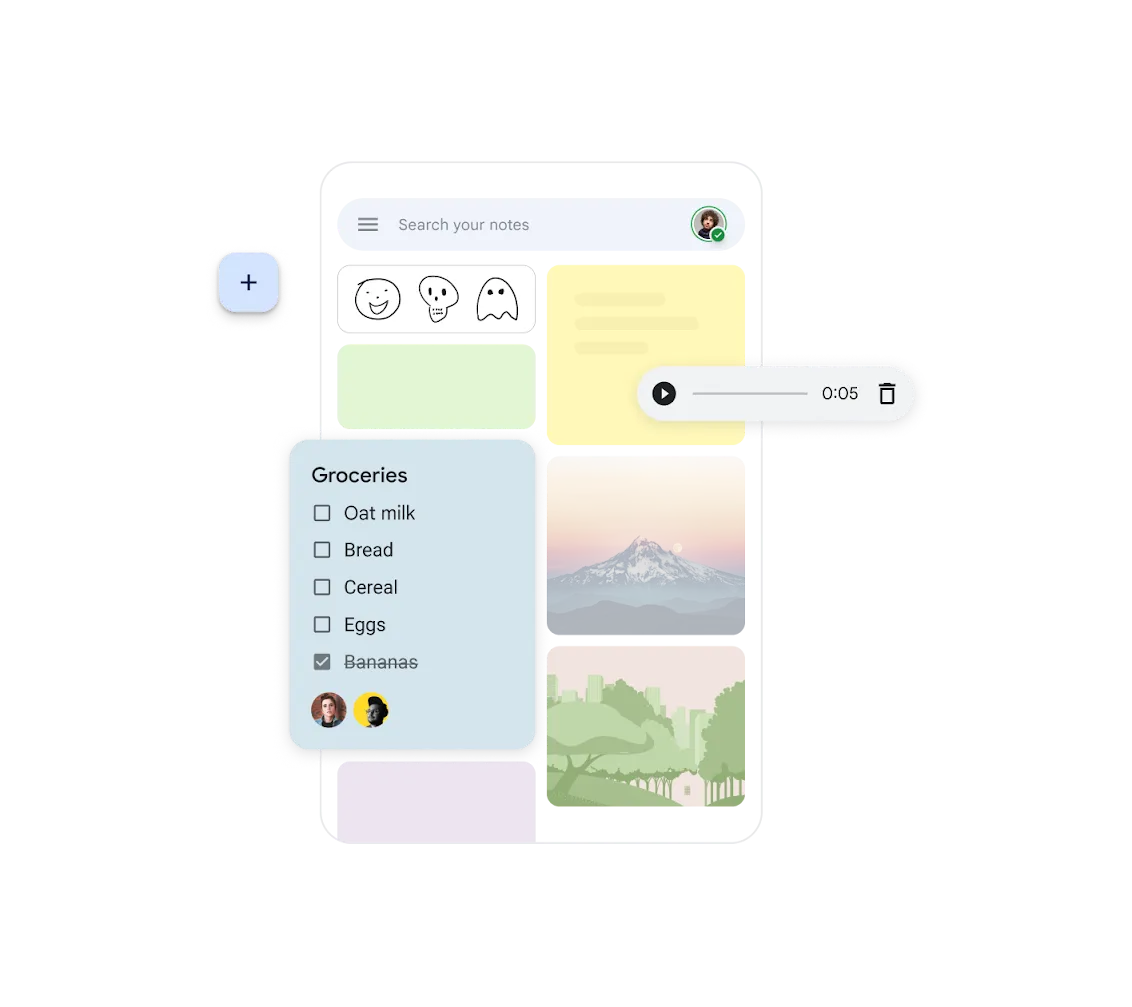
Organize your notes in Google Keep with colors, labels, and pins. The visual system helps you find information quickly and speed up your workflow.
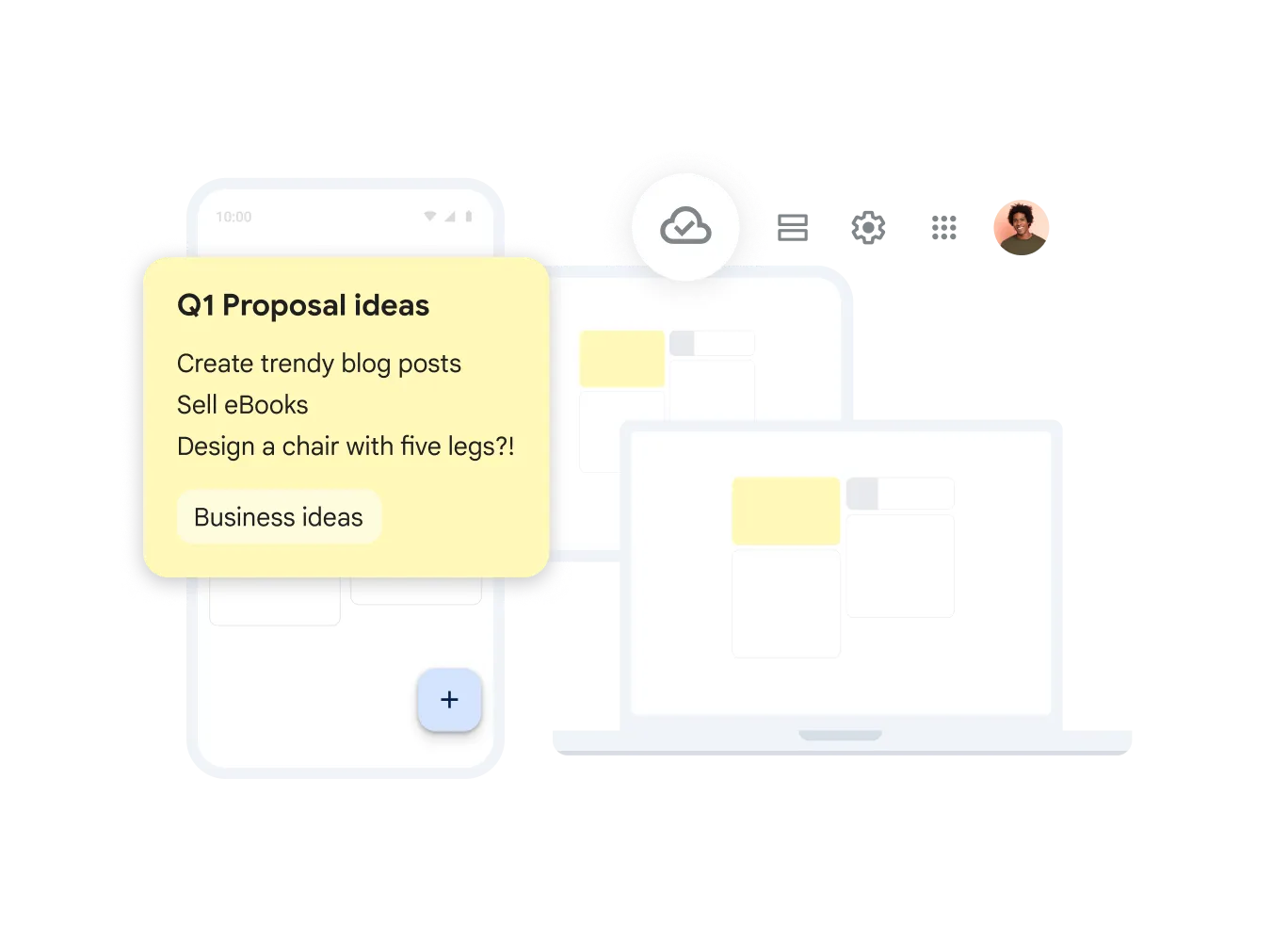
Access Notes from Any Device
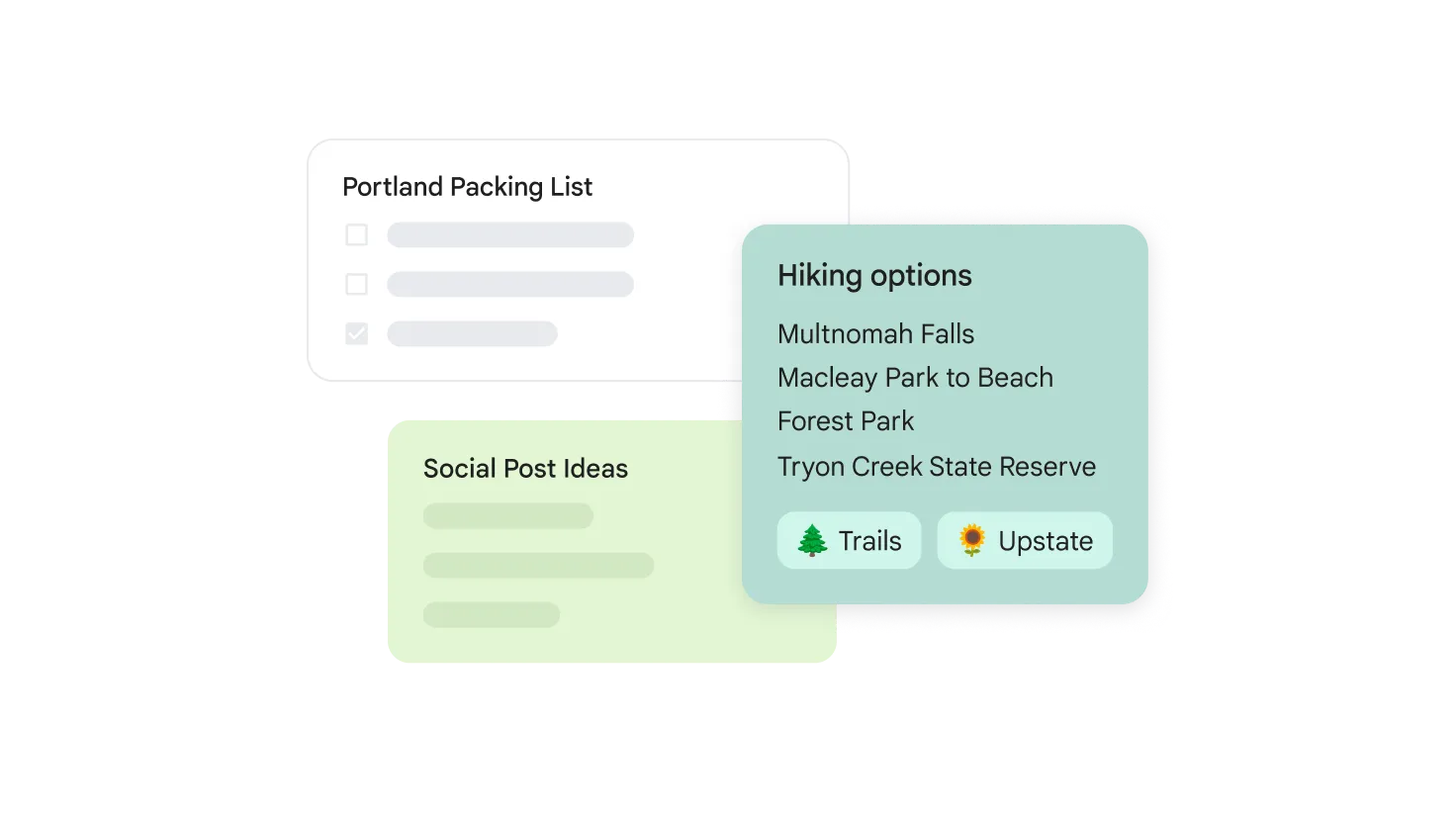
Manage your notes from any device with or without an internet connection. Sync keeps your smartphone, tablet, and computer always up to date.
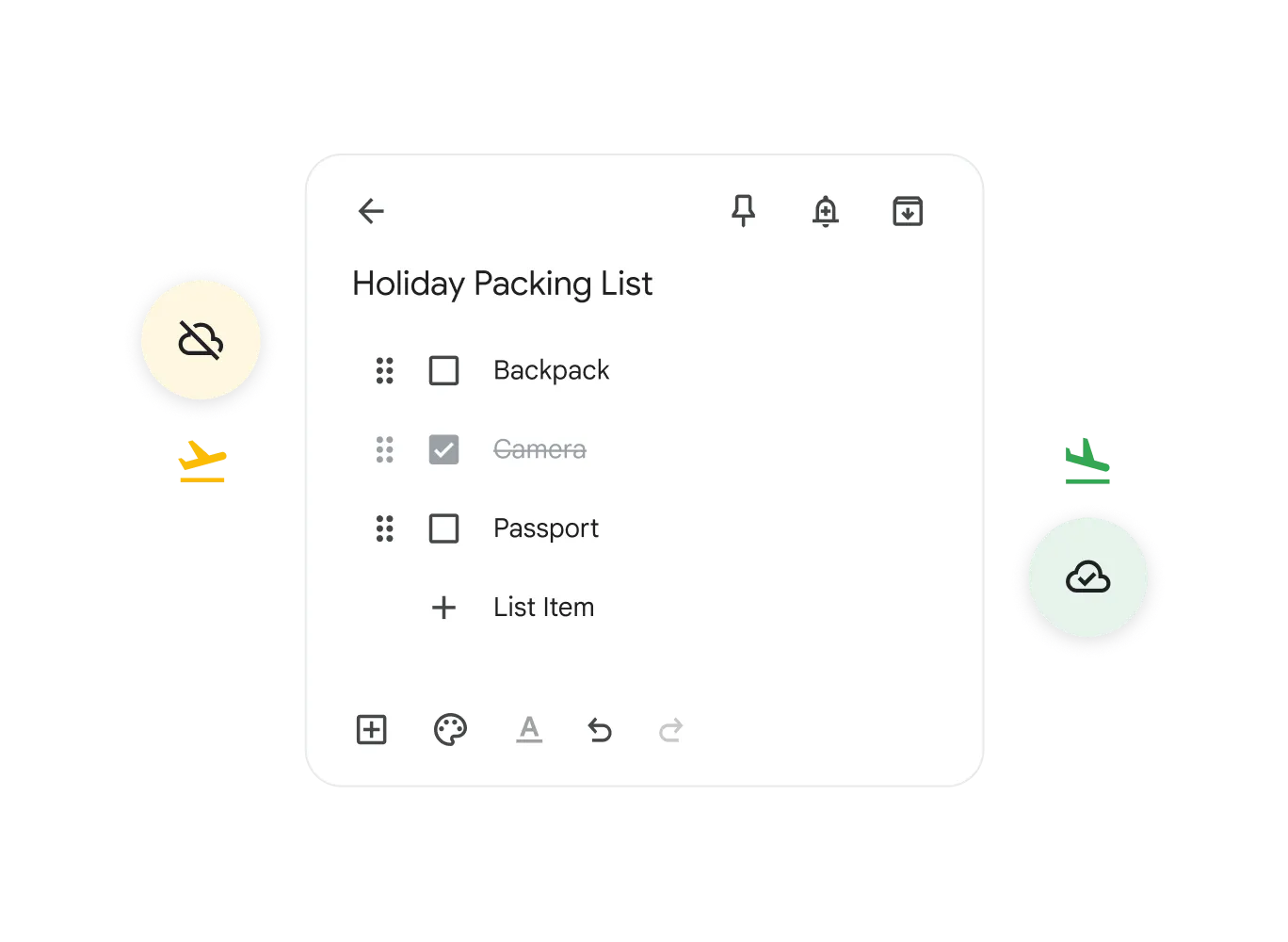
Effortless Task Management
Improve task management by creating checklists and ticking off completed items. Google Keep helps you stay on top of your daily routine and project progress.
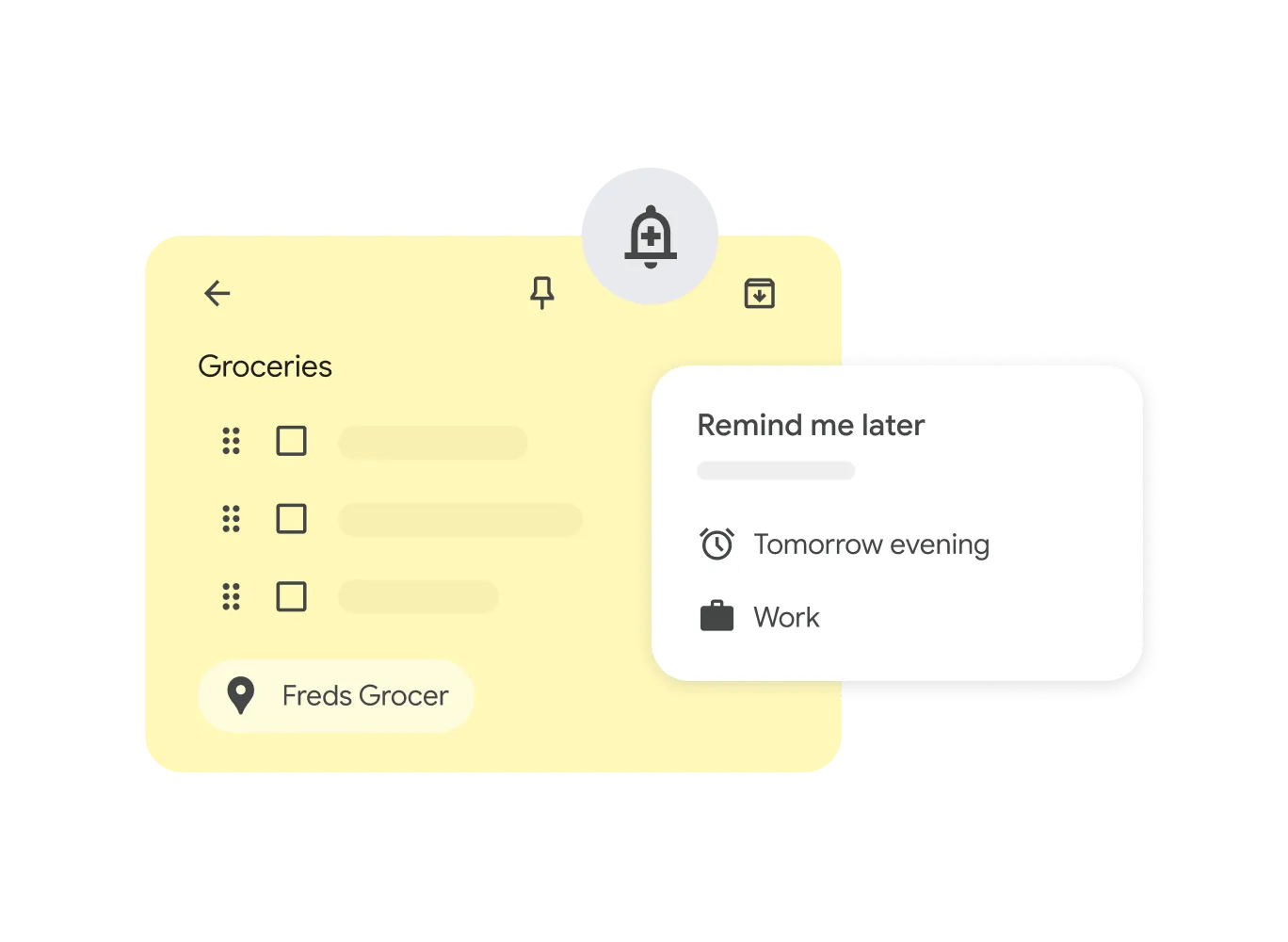
Smart, Integrated Reminders
Boost productivity with time-based or location-based reminders. Keep notifies you of a task precisely when and where you need it.
- Simple to Use
- Create notes as text, voice, or images in seconds. Keep automatically transcribes audio to text - great when you're on the go.
- Mobile Dictation
- Record a voice memo on the mobile app, and Keep will automatically transcribe it into searchable text.
- Workspace Integration
- Move Keep notes directly into Google Docs from the context menu - all within one seamless ecosystem.
Keep Questions
Google Keep
Yes, Google Keep is included automatically with all Google Workspace subscriptions.
You can use color-coding, pin important notes to the top, and apply custom labels to filter them quickly.
Yes, deleted notes are moved to the Trash and can be recovered for up to 7 days before being permanently deleted.
Yes, you can use the drawing tool on mobile devices and tablets to sketch diagrams or hand-write notes.
Stay Organized and Productive
Geosoft provides comprehensive Workspace training for Georgian Companies.