









 Google Workspace Overview
 Gmail
Gmail
 Google Calendar
 Google Drive
 Google Editors
 Google Docs
 Google Sheets
 Google Slides
 Google Forms
 Google Sites
 Google Keep
 Google Vids
 Google Chat
 Google Admin
 Endpoint Management
 Remote Desktop
 Looker Studio
 Apps Script
 Workspace Studio
 Vault
Vault AppSheet
 Gemini
 Gemini Notebook
 Pricing
 Google Cloud Overview
 Cloud Run
 Compute Engine
 Cloud Storage
 BigQuery
 Google Kubernetes Engine
 Looker
 Apigee API Management
 Cloud SQL
 Gemini Enterprise
 Cloud CDN
 Microsoft
365 Overview
Microsoft
365 Overview Microsoft Outlook
 Microsoft Teams
 Microsoft Excel
 Microsoft Word
 Microsoft OneDrive
 Microsoft PowerPoint
 Microsoft SharePoint
Centralized Data Archiving
Google Vault automatically captures and preserves data from Gmail, Drive, Chat, and Meet recordings for your entire organization.
Meet strict legal and regulatory compliance requirements effortlessly.
Rapid eDiscovery Search
When faced with an audit or legal inquiry, administrators can rapidly search across the entire organization's historical data to find relevant communications.
- Indestructible Data Preservation
- Even if a disgruntled employee empties their Gmail trash or permanently deletes a Drive file, the data remains safely preserved in Vault.
- Automated Retention Policies
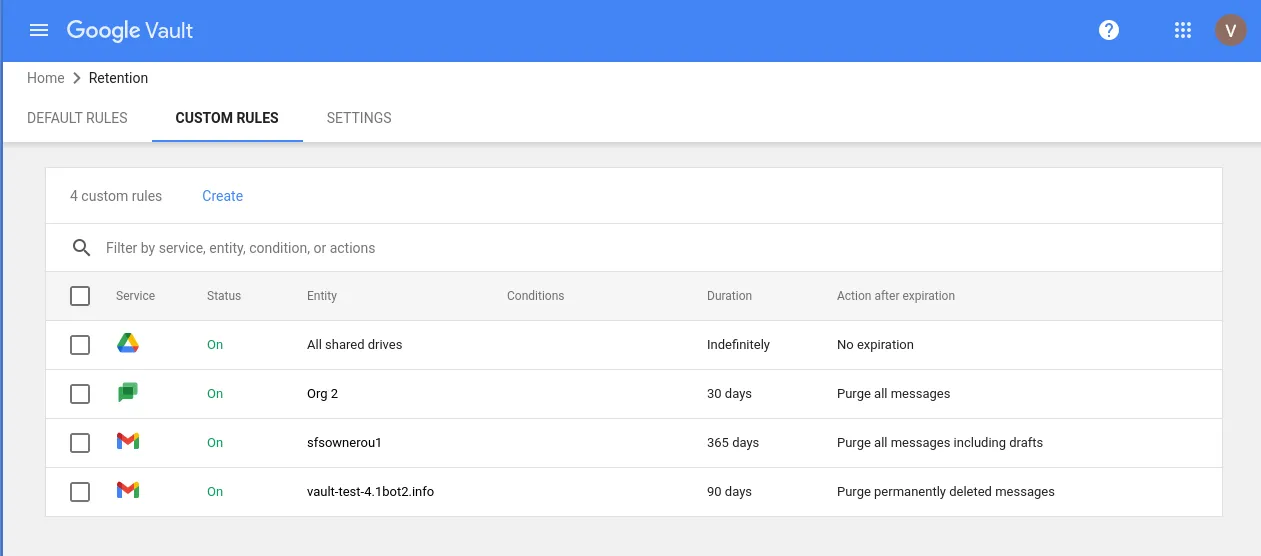
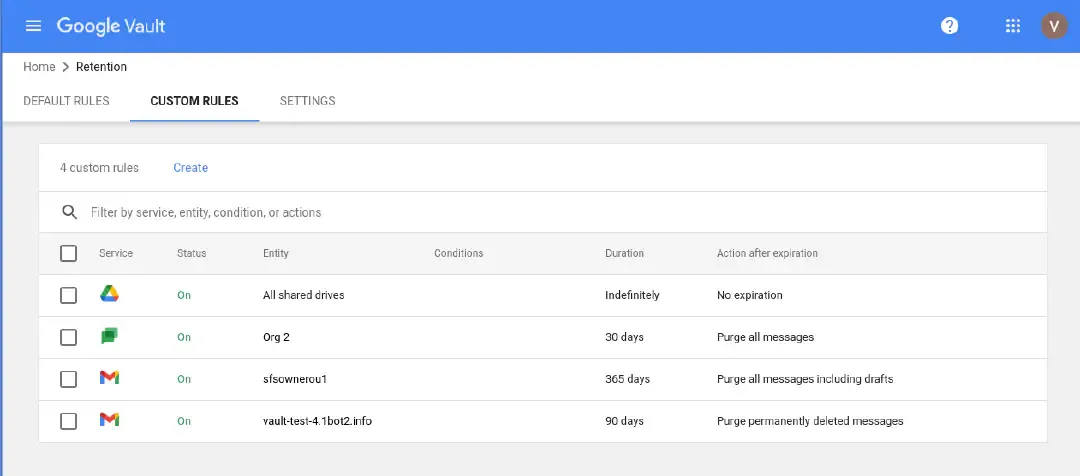
- Define precise rules. For example, automatically delete all chat logs after 30 days to reduce liability, while keeping financial emails for 7 years.
- Expert Setup by Geosoft
- Deploying Vault requires careful planning. Our engineers help you map your legal retention requirements to Vault's technical configuration.
- Legal Holds
- Instantly freeze all data for specific users involved in litigation, overriding any standard deletion policies.
- Secure Exports
- Export gathered data securely in standard legal formats (like PST or mbox) to hand off to external legal counsel.
- Audit Reporting
- Track every search and export performed within Vault to ensure your administrators are adhering to privacy policies.
Google Vault FAQ
Google Vault
Vault is primarily designed for eDiscovery and archiving. It preserves data for legal reasons, but it is not a traditional point-in-time backup tool.
If a retention rule or Legal Hold is active, the data remains fully searchable and recoverable in Vault, regardless of the employee's actions.
Yes, you can retain the data of suspended or deleted accounts by placing a hold or archiving the data before deleting the user.
Vault supports all standard email formats, Google Drive files (Docs, Sheets, Slides), PDFs, uploaded Word/Excel documents, and Google Chat histories.
Ensure Regulatory Compliance
Geosoft configures enterprise-grade archiving for organizations in Georgia.